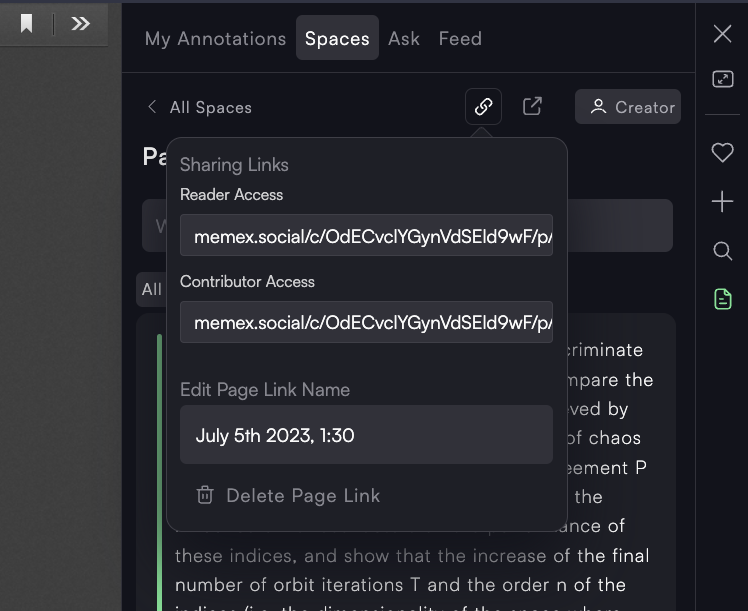
Annotating PDFs with people who don't use Memex
So far you were only able to annotate PDFs with people who install the Memex extension.
Now, you can collaborate with other people with the ease of working on a Google Doc.
You just have to send a link.
This works for websites, url-based PDFs and YouTube videos that are reachable via a public link.
Here is a quick demo video: https://links.memex.garden/hivemindDemo
How to use this via the extension:
Open a PDF in the reader by clicking on "Open Reader" when you're on a PDF
(Button possibly in bottom right corner)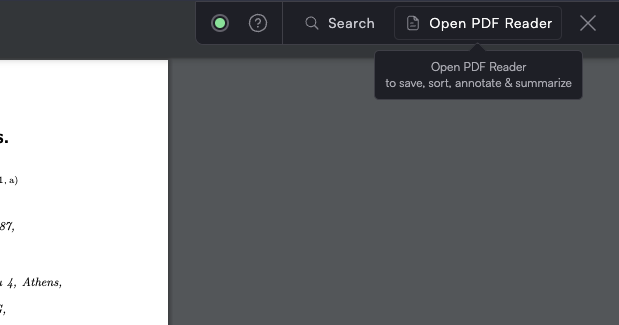
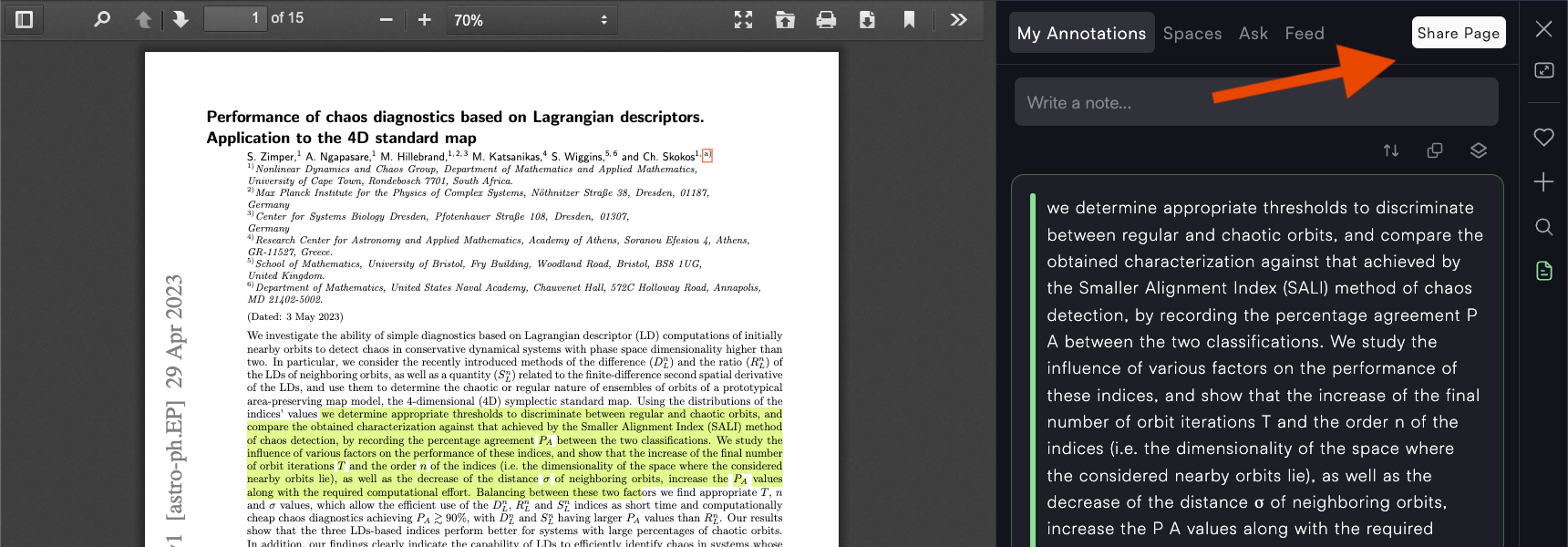
Click on "Share Page" in Annotation sidebar
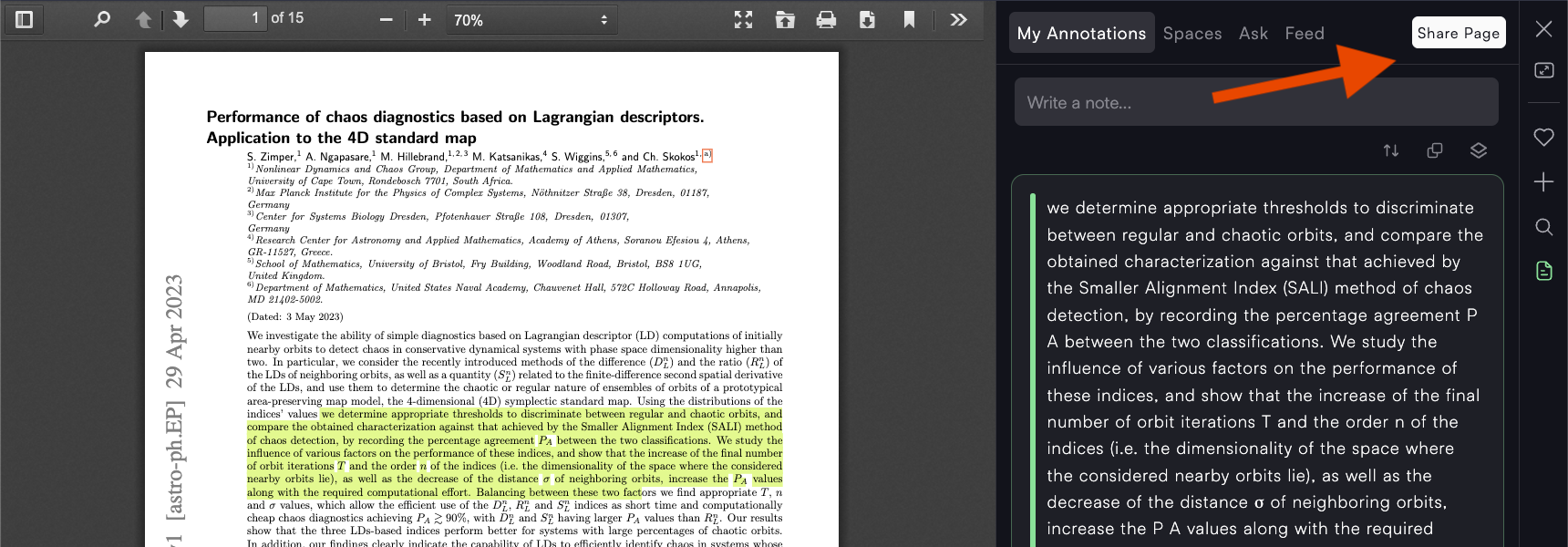
Add annotations
Share Link to web version (See example)
You can invite with the following permissions:
Reader: Read & Reply to annotations
Contributor: Annotate & reply to annotations