Search & Cite Memex without leaving your tab and fully keyboard empowered - 3.13
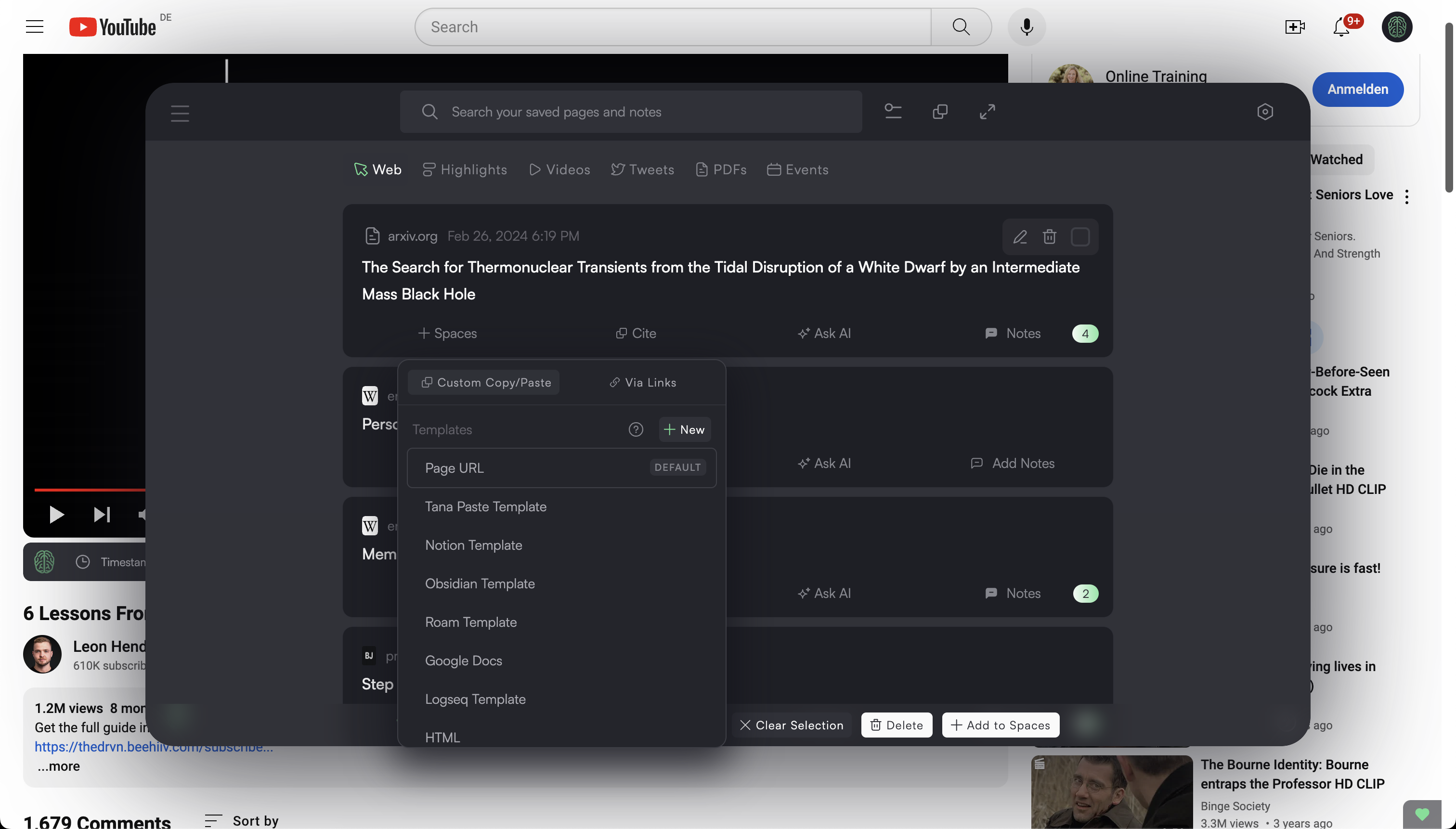
We've put a lot of work in the last weeks in honing a new power workflow.
You can now search & cite your saved pages and notes without leaving your tab and only use your keyboard if you want.
Just press the usual option+F / alt+F hotkey and instantly bring up a search window.
If you also add "shift", it'll open as previously in a new tab.
Then use your keyboard arrow up/down to navigate, hotkey C to bring up the Cite modal, select one, Enter, Escape, Escape, and you're done.
Here's a demo:
1 comment