Changing of sharing behaviour for annotations (v3.8.32)
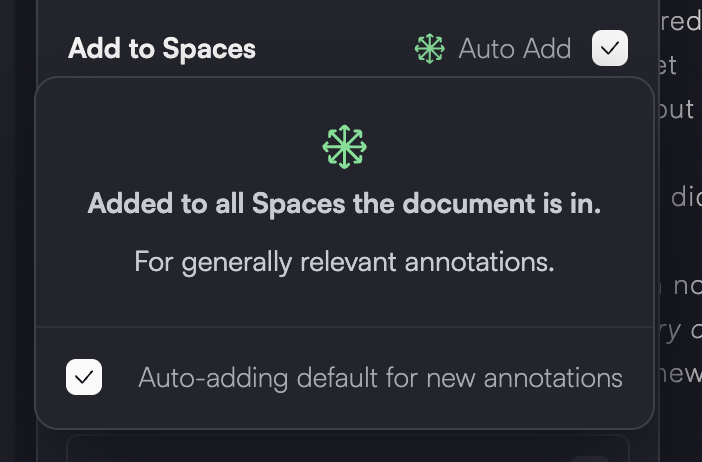
We've greatly simplified the sharing behaviour for sharing annotations into different Spaces.
Now, when "Auto-adding" is enabled it will be added to all Spaces the page is part of, not just the Spaces that are shared. This comes with a previous update where all Spaces are uploaded and available via a link by default but set to "Private" status so only people that are invited can see the content.
This way the mental model for annotations is around the question of:
"Is this an annotation that is context specific or generally relevant"?
If relevant for specific context:
You can individually add an annotation to a Space. If "auto-add" was set as a default setting, it will be automatically disabled for that annotation. You can disable this default (see gif below)
If a generally relevant
If this setting is enabled on an annotation, you can see the green "spreading" next to the Spaces counter (see below gif)
Then you can enable "auto-add" on an annotation or save it with a "shift+" combined with the "create highlight/annotation" hotkeys.
By default auto-add is enabled for all new annotations, but that setting can easily be disabled here:
