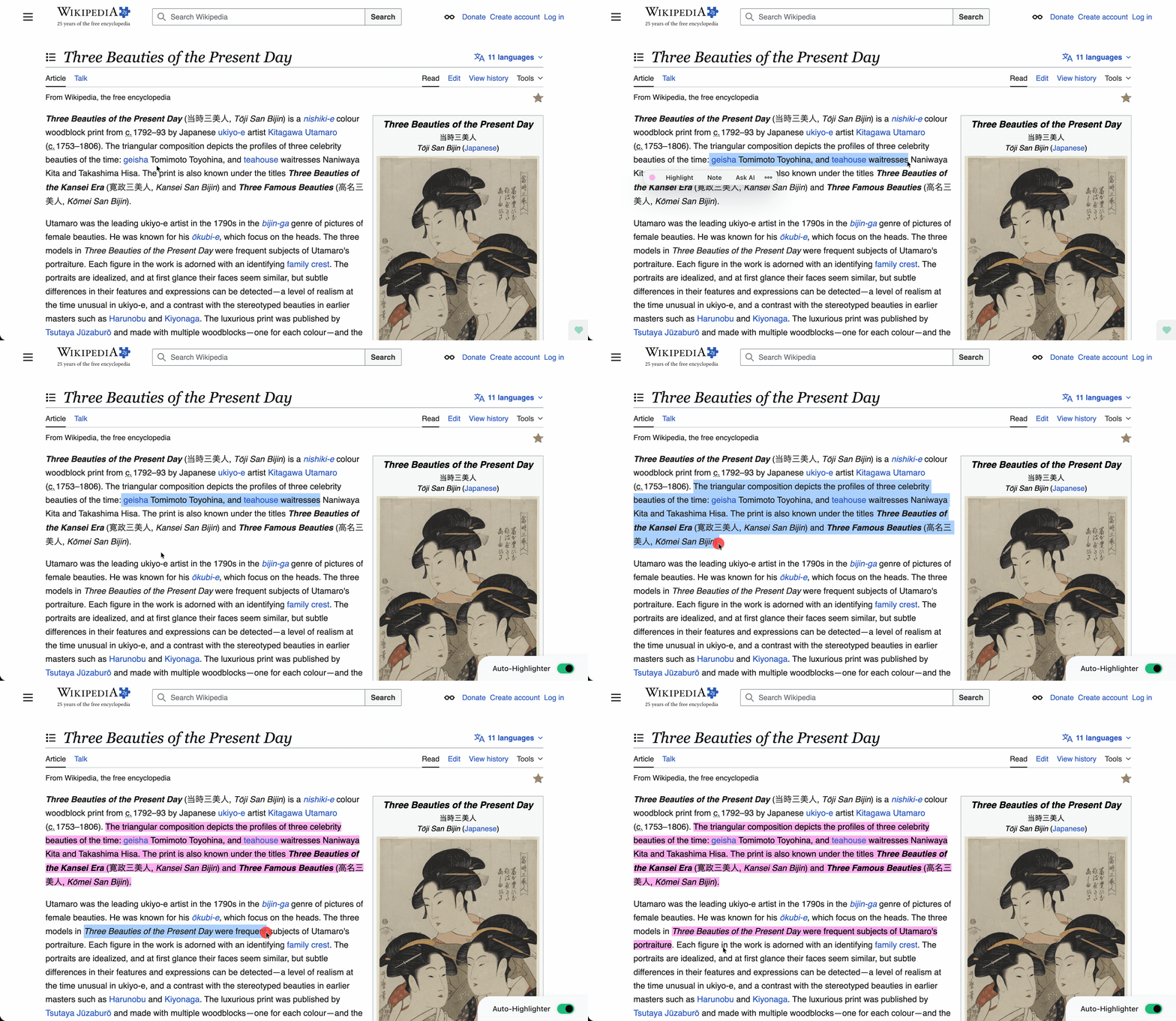
Auto-Highlighter
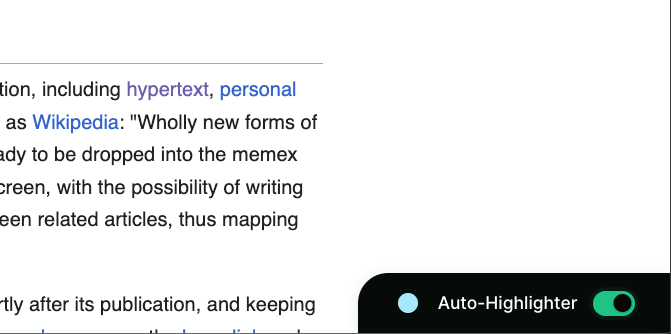
Instead of confirming every highlight, you can toggle the auto-highlighter and every selected text becomes a highlight.
How to use it:
To activate use the tooltip menu or press the default “highlight” hotkey twice when no text is selected. Default: [alt/option]+[h]+[h]
If you only press [alt/option]+[h] when no text is selected the tooltip is toggled off.
[cmd/ctrl] + [Z] to undo last highlight(s)